

Wireless under cabinet lighting rechargeable is now one of the simplest ways to brighten any kitchen or workspace—no wiring, no hassle, and no electrician needed. If you want fast, flexible lighting without drilling holes or tripping over cords, read on for a realistic, expert-led approach.
Key Takeaways
- wireless under cabinet lighting rechargeable are easy to install and ideal for renters or anyone who wants a clean setup without electrical work.
- Technical specs and real-life runtimes can vary—choose lights with accessible USB charging and adequate lumen output for your needs.
- Look out for pitfalls like weak adhesives, poor battery life, and lack of certifications before buying.
The Core Concept
Wireless under cabinet lighting rechargeable systems deliver instant task lighting with zero wiring or ongoing electrician costs. These battery-powered or USB-rechargeable LED bars and strips stick or magnetically snap under cabinets, shelves, or in pantries and closets. The main goal is practical: get light right where you want it, with flexible install and removal (ideal for renters or frequent redecorators).
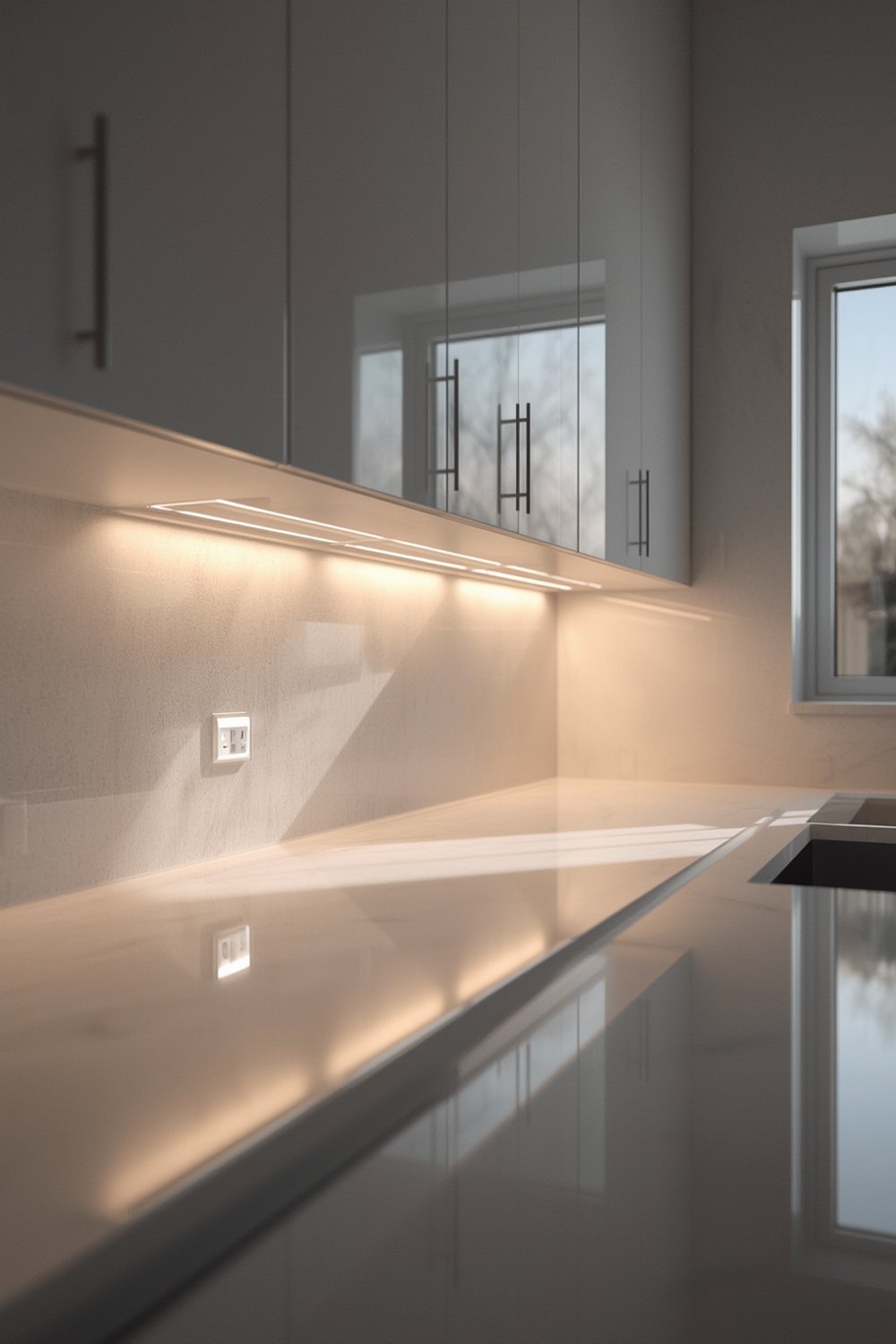
Unlike hardwired under cabinet lighting, these products avoid invasive installation. You won’t need to hire a pro or drill through expensive cabinets. Instead, you get peel-and-stick or magnetic mounting, portable charging (often via USB), and the flexibility to shift or remove as soon as you want.
Market reports confirm battery and rechargeable units are among the fastest-growing segments due to this DIY-friendly approach. LED bars are the most common style by market share, but flexible LED tape strips are quickly catching up—especially as options for renters and older homes.
If your lighting needs change, remove and reinstall elsewhere with minimal residue or damage. This also means no electrician visits, no wall repair, and no worries about code or compliance. These systems are also ideal for areas with no available outlets, like closets or small rental kitchens.
Step-by-Step Guide
Ready to install wireless under cabinet lighting rechargeable units the right way? Here’s how to set up reliable, effective light—without headaches:
- Choose the right type and size: Measure your cabinet length and depth. Decide if you want stick-on LED bars, tape strips, or puck lights. Check each unit’s advertised lumen output; for kitchens, aim for 200-400 lumens per foot for effective task lighting.
- Check the recharge system: Most modern units use USB charging (USB-C preferred for faster charging and durability). Confirm runtime on a full charge; many units last 4-10 hours on high or up to several days on motion sensor mode.
- Review mounting options: Look for 3M adhesive pads, built-in magnets, or magnetic plates for easy removal and reinstallation. Avoid generic double-sided tape, which often fails in humid kitchens.
- Install in a clean, dry location: Clean surfaces with rubbing alcohol to ensure strong adhesion. Avoid placing lights too close to stove heat or heavy moisture.
- Attach and test: Place the units, power on, and check for shadows or glare. Adjust as needed. (With bars or strips, stagger or overlap slightly for even light.)
- Set up charging routine: Establish a schedule so the lights don’t go dim when you need them. Some units can be charged in place via magnetic USB cables.
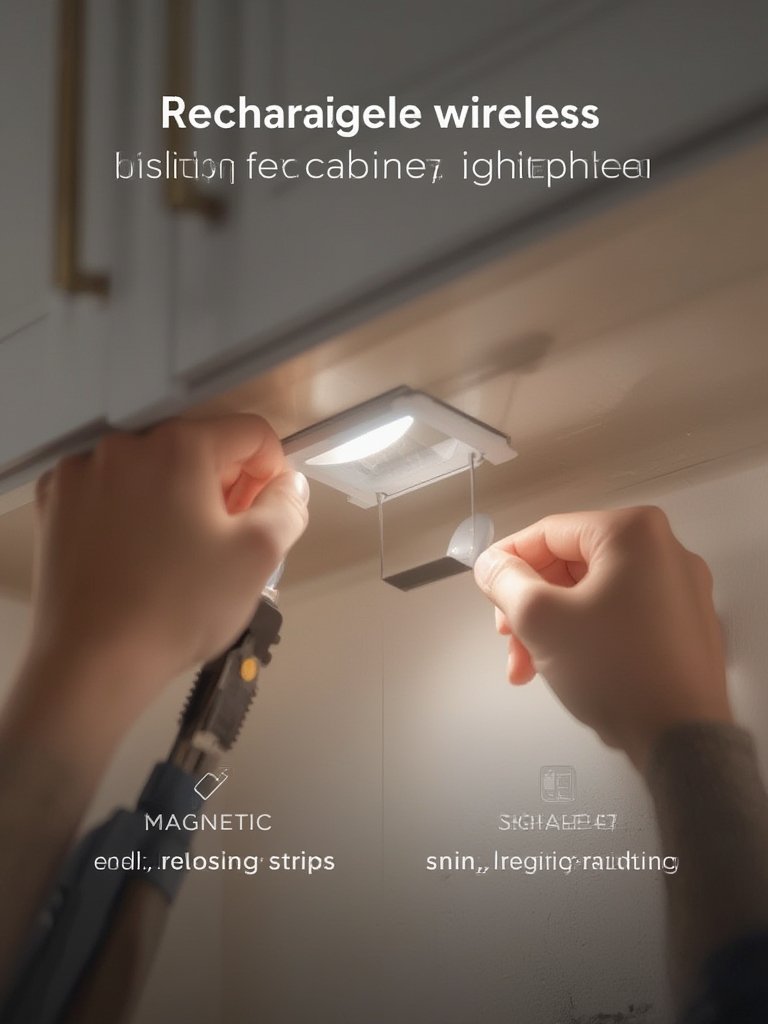
If you are upgrading other kitchen or home electrical systems, such as a smart circuit breaker panel or Matter-compatible smart switches, plan your wireless lighting so it complements your home automation—some rechargeable LED strips now offer motion activation or basic app control.
Don’t forget: If you have an interest in project-based home upgrades, consider reviewing full retrofit guides or integrating these lights with your DIY home energy storage battery for emergency lighting.
Advanced Analysis & Common Pitfalls
Before you go all-in on wireless under cabinet lighting rechargeable solutions, it’s smart to consider some real-world challenges and industry data:
- Battery runtime and charging time: Many products don’t live up to their advertised battery duration if run at full brightness.
- Adhesive and mounting failures: Premium 3M pads are strong, but generic double-sided tapes peel after months or when exposed to steam/grease.
- Light quality and glare: Lumen and color rendering quality (CRI) matter for tasks. Some ultra-cheap units are harsh or uneven, making counters look blue or yellow.
- Certification and safety: Few budget lights come with UL/CE/FCC certification. For rental or resale, these may be required.
- Total cost of ownership: Battery replacements, adhesive failures, or poor warranty terms quickly raise the real cost versus plug-in alternatives.
| Feature | Wireless Rechargeable | Plug-In | Hardwired |
|---|---|---|---|
| Installation | Peel & stick or magnet, no wiring | Mount, plug into wall | Pro install required |
| Cost | Low-mid upfront, higher battery/lifecycle over years | Low upfront, minimal upkeep | High w/ professional labor |
| Portability | Yes, move/reuse anytime | Yes, requires outlet nearby | No, fixed install |
| Certifications | Rare (UL/CE/FCC) | More common | Common/required |
| Best For | Renters, low-commitment spaces | Renters, light kitchens | Homeowners, long-term/permanent |
Most existing market trend sources like this industry report agree: battery-powered units are rising fast due to increased retrofits and renter upgrades (full market analysis). However, these are rarely separated out in product statistics or lifecycle cost breakdowns.
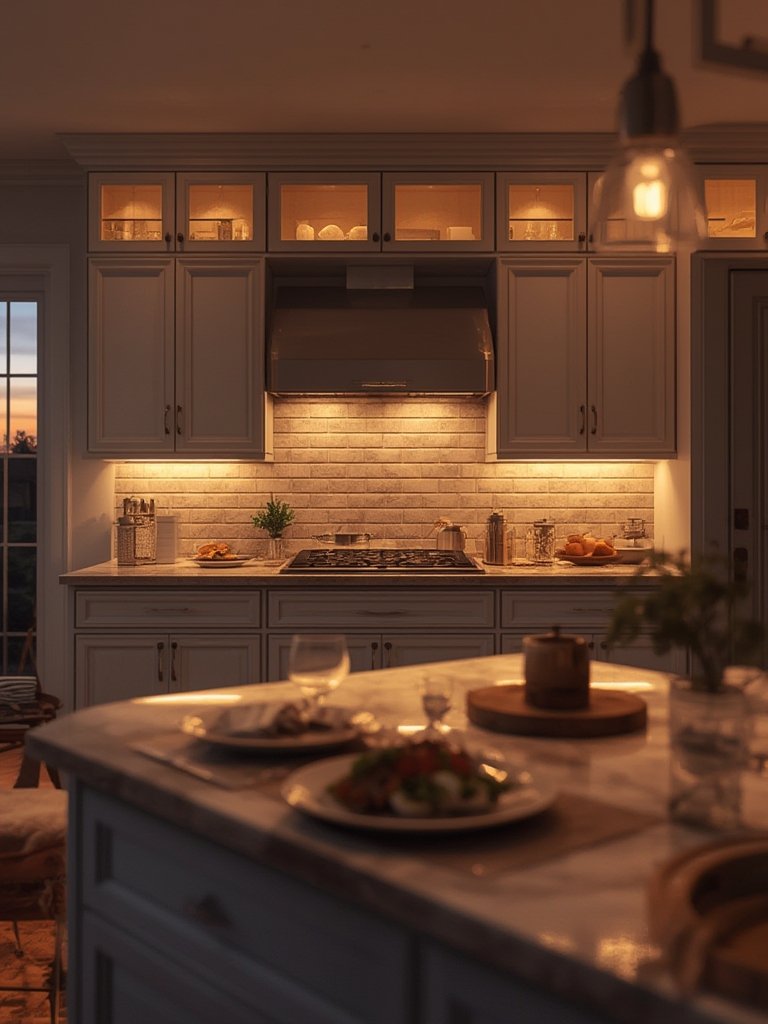
Certification is another critical concern, especially in European or regulated markets where high CRI and low-glare lighting requirements are enforced (source). Without proper labeling, some rechargeable models may not meet rental or resale safety codes.
For those upgrading full home systems, pairing portable lighting with smart home panels or lawn care upgrades can dramatically remodel home ambiance without big investment.
Conclusion
In summary, wireless under cabinet lighting rechargeable products offer fast, renter-friendly brightness without the cost or mess of traditional installs. Choose high-quality units with reliable charging, robust mounting, and—whenever possible—recognized certifications. While battery costs and occasional adhesive failures are possible downsides, the flexibility and speed of setup make these a winning option for many homes. To elevate every room, try wireless under cabinet lighting rechargeable solutions in your next DIY or makeover project.
Ready to add instant light to your kitchen, closet, or workspace? Shop top-rated models and make your upgrade as easy as possible.
FAQ Section
How long do wireless rechargeable under cabinet lights last on a single charge?
Most units last between 4 and 10 hours at full brightness, though motion sensor mode can extend this to several days. Always check specific product specs, as battery size and brightness settings matter.
How do you recharge wireless under cabinet lights?
Nearly all modern models use a USB cable (often USB-C). Some can be charged in place with magnetic connectors, others need to be removed. Set a routine to recharge before hosting or heavy kitchen use.
Do these lights damage cabinets or paint?
Most use gentle 3M adhesives or magnets, which are easy to remove without leaving residue. Beware of generic adhesives, which can peel paint or finish. Always clean surfaces before installing.
Are wireless under cabinet lighting rechargeable models bright enough for kitchens?
Yes, if you choose models with 200-400 lumens per foot or more. If you only need accent lighting (not task lighting), lower lumen models may suffice. Check that light quality (CRI) is above 80 for best color rendering.
Are these lights safe and certified?
Certification varies. Look for UL, CE, or FCC labels—especially if you are installing in a regulated area or plan to rent out your space. Some budget models lack certification, so always check before purchase.