

### Blog Post:
Matter compatible smart switches are changing how people connect and control their homes, but adoption is rarely as seamless as marketing claims. If you want real cross-platform lighting control without headaches, you need to understand the realities of Matter—what actually works, what to avoid, and which brands are leading (or lagging) in 2024.
Key Takeaways
- Matter compatible smart switches promise cross-platform use (Apple, Google, Amazon, Samsung) but still show a 12% inter-brand failure rate in real homes.
- Prices are dropping, but hidden costs like electrician fees or firmware updates still surprise most buyers—especially in older homes.
- Choosing models from top brands like Aqara, MOES, and Legrand raises your chances of trouble-free setup—but certification and wiring are essential details.
- What Are Matter Compatible Smart Switches and Why Do They Matter?
- How to Install a Matter Smart Switch: Step-by-Step Guide
- Advanced Analysis: Real Pitfalls and Common Mistakes
- Conclusion
- Frequently Asked Questions
What Are Matter Compatible Smart Switches and Why Do They Matter?
Matter compatible smart switches are wall-mounted switches that connect to your home Wi-Fi or Zigbee/Thread network, allowing you to control lights from any major platform—Apple HomeKit, Google Home, Amazon Alexa, or Samsung SmartThings. Unlike brand-locked devices, Matter is an open standard managed by the Connectivity Standards Alliance and supported by more than 300 tech brands.
The goal is true interoperability: one switch, any app, any voice assistant. In 2024, over 23,000 devices carry the Matter logo, and lighting control is the “gateway” for most smart home upgrades.
Consumers are drawn to Matter switches for two main reasons: getting rid of clunky, proprietary hubs, and the promise of upgrades that genuinely last—no more being locked out if you change your phone’s ecosystem.
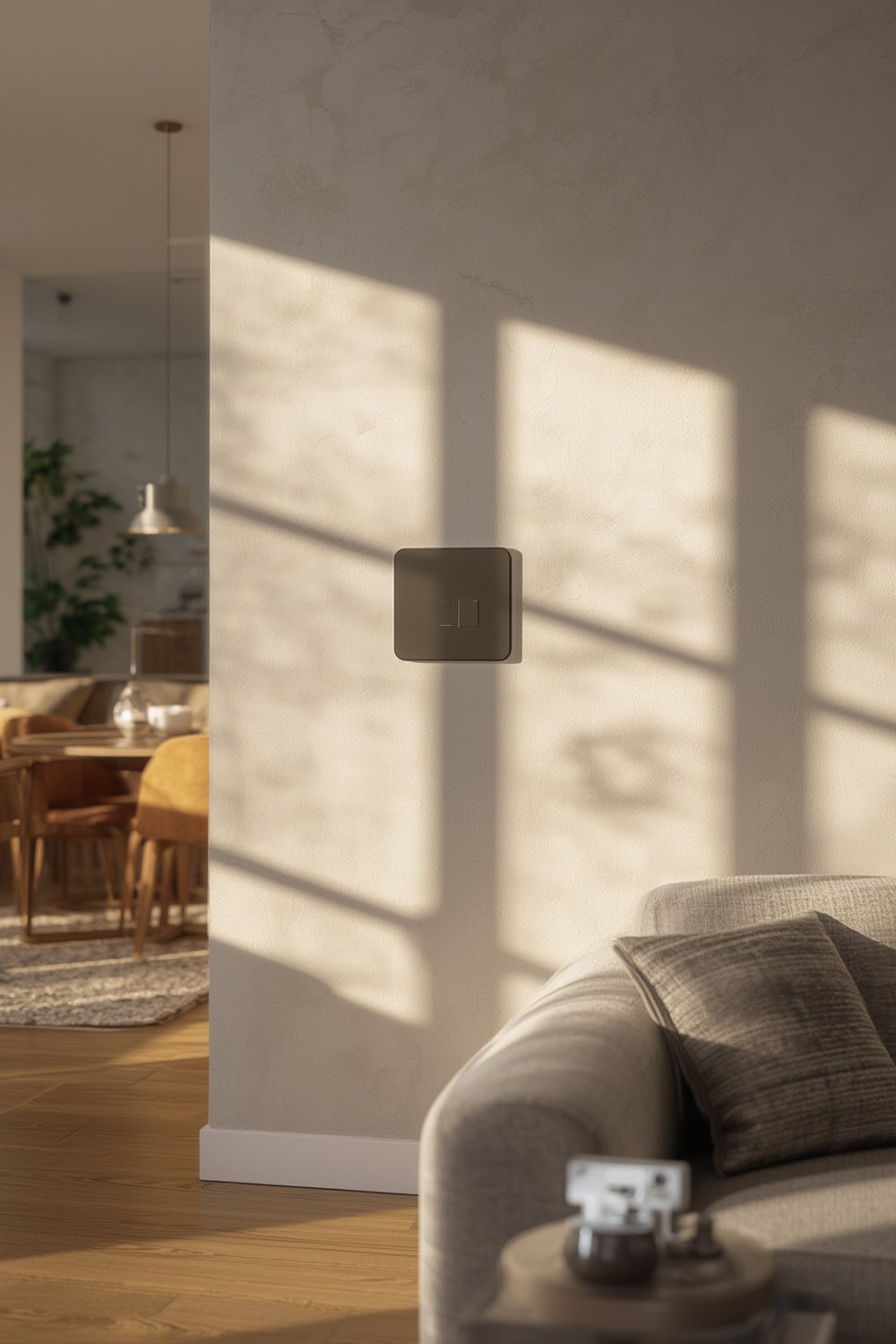
Switches like the Aqara Smart Light Switch H2 and MOES Smart 4 Gang typically work out of the box with Apple, Google, and Alexa. These switches are designed for DIY installation, but older homes or incompatible wiring can turn a 15-minute job into an expensive headache. If you want a full smart load management system, integrating with a smart circuit breaker panel can extend automation and safety, too.
How to Install a Matter Smart Switch: Step-by-Step Guide
Installing a Matter compatible smart switch can be simple, especially with Wi-Fi models. But for rock-solid reliability and future-proofing, it pays to get every step right. Here’s a grounded, no-nonsense guide you won’t find in the box.
- Check Compatibility & Certifications
- Look for switches labeled with both the Matter logo and a CSA certification number.
- Double-check that your chosen switch supports the automation platform you use most (not all “compatible” claims guarantee real-world reliability).
- Turn Off Power at the Breaker
- Never rely solely on a wall switch—always shut off the breaker to avoid dangerous shocks.
- Label your wires with masking tape or snap photos before disconnecting.
- Evaluate Wiring, Especially in Older Homes
- If there’s no neutral wire, consider a switch module rather than a new wall switch, or call a licensed electrician for a proper retrofit.
- Don’t try to “hack” connections—incorrect wiring can destroy your switch or trip breakers.
- Physical Installation
- Mount the switch per the manufacturer’s diagram—avoid forcing wires into cramped boxes, which can overheat.
- Use the included screws and anchor plates for secure fit.
- Connect to Your Home Network
- Open your smart home app (Apple Home, Google Home, Alexa, or SmartThings) and scan the QR code or use the “Add Accessory” menu for Matter devices.
- For Wi-Fi switches, ensure strong signal in the area; for Zigbee or Thread, make sure your hub or bridge is powered and updated.
- Test Voice and Automation Controls
- Try turning the switch on and off using different platforms—ideally Apple, Google, and Alexa, to verify full interoperability.
- Set up automation rules—like “turn on at sunset”—and monitor for a few days for any delays or dropout issues.
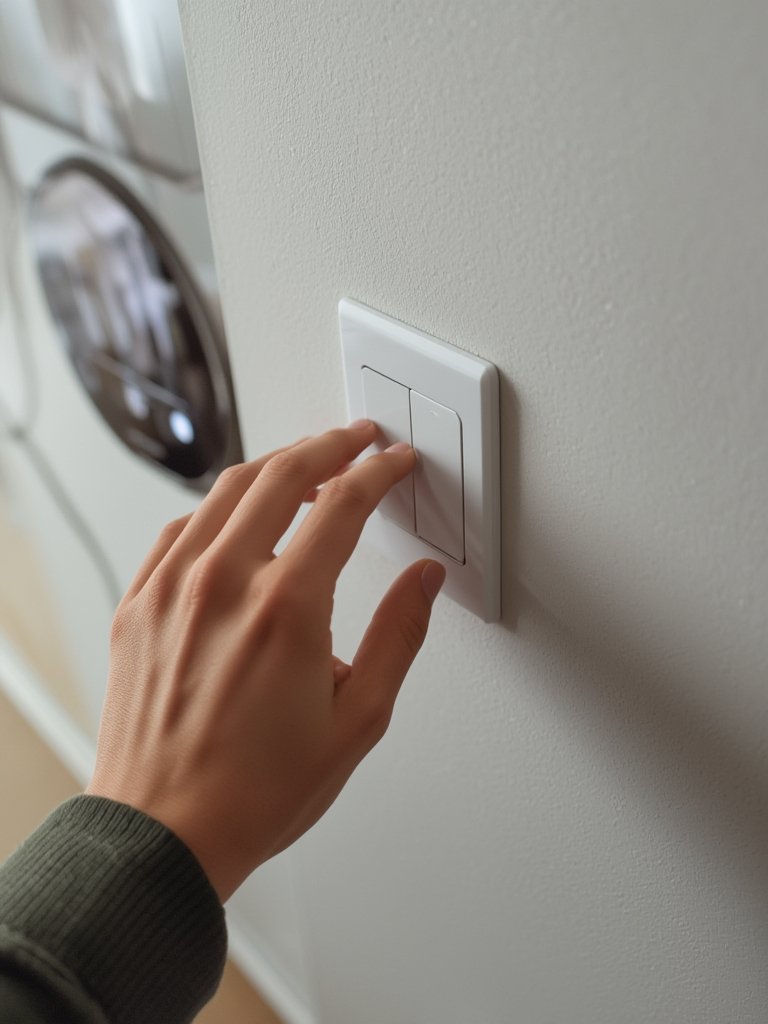
To future-proof your system, stay alert for firmware updates in your app. Properly updated switches are more resilient to the compatibility “hiccups” that still affect about 12% of cross-brand setups in 2024.
If you plan an entire home upgrade—adding battery backup, outlets, or a DIY home energy storage battery—review local codes and think about professional help, especially for main circuits.
Advanced Analysis: Real Pitfalls and Common Mistakes
Despite major progress, Matter compatible smart switches don’t deliver “plug and play” for everyone. Research and user reviews highlight common pitfalls that top-ranking guides rarely address.
- Inter-Brand Failures: Connecting Matter switches from different brands? You can expect a 12% chance of linkage delay—or outright failure—most often between Apple HomeKit and Zigbee devices, even after Matter 1.2 updates (source).
- Old Home Wiring Problems: Many pre-1990 homes lack a neutral wire or have outlets that simply don’t fit modern smart hardware. If you don’t check compatibility before buying, you’ll end up paying extra for modules or rewiring (no “DIY hack” truly avoids this).
- Unreliable Wi-Fi: Wi-Fi Matter switches are most popular for being hub-free, but they still lag behind Zigbee/Thread switches for always-on reliability. Unreliable Wi-Fi = dropped commands and missed automations.
- Hidden Costs: While advertised prices ($12-$55) seem attractive, you may need to pay for an electrician, policy-mandated upgrades, or additional gateways. Plus, firmware updates sometimes require phone platform updates that break other routines.
- Future-Proofing Blind Spots: Top brands like Aqara, Legrand, and Signify are pretty consistent, but uncertified or generic-brand switches often stop receiving updates—meaning automation can silently degrade over a couple of years.
| Factor | Matter Switches (2024) |
Traditional Smart Switches |
|---|---|---|
| Price (Retail) | $12.69-$54.76 | $25-$70 |
| Hub Needed | No (Wi-Fi); Yes (Zigbee/Thread) | Usually |
| Cross-Platform Control | Yes (Apple, Google, Alexa, Samsung) | Brand limited |
| Reliability (Wi-Fi) | Good, but slower than Zigbee—can have delays | Varies (often tied to hub quality) |
| Firmware Updates | Regular—but risks compatibility issues | Sporadic; older brands may stop updates |
| Installation Issues | 12% inter-brand failures, neutral wire sometimes required | May require hubs, same wiring issues |
| Voice Assistant Support | All major platforms | Usually only 1 or 2 |
If you want even deeper, AI-based automation for energy, lighting, and home backup, consider extending your system with an AI energy monitoring system or an app controlled breaker box for whole-house control.
Conclusion
Matter compatible smart switches are impressively flexible, affordable, and as close to “universal” as home automation gets in 2024. Still, many users encounter wiring surprises, firmware headaches, and hidden costs—especially in older homes or with lesser-known brands. For the best experience, stick to major players, verify CSA certification, and plan for network and future firmware needs. Want other smart home upgrades? Review our guide to outdoor maintenance tools or consider smart panels for total control.
Ready to try your own matter compatible smart switches? Choose your certified model, assess your wiring, and take command of your home—on your terms, on your platform.
Frequently Asked Questions
Do Matter compatible smart switches really work with any ecosystem?
Most certified Matter switches allow you to use Apple, Google, Alexa, or Samsung platforms for control. However, cross-brand setups still see about a 12% glitch rate, especially between Apple HomeKit and Zigbee devices. Always check the switch is properly certified and look for updated firmware.
Can I install a Matter switch in an old house without a neutral wire?
Standard smart switches typically require a neutral wire. For old homes, look for Matter-compatible modules designed specifically for no-neutral wiring, or hire a licensed electrician to run new wiring safely.
Are hidden costs really a problem with Wi-Fi Matter switches?
Yes. While you avoid buying a hub in most cases, costs for electrician help, firmware maintenance, or extra modules for old wiring can add up fast. Always budget for possible upgrades beyond the sticker price.
Which brands are most reliable for Matter smart switches?
Brands like Aqara, MOES, Legrand, GE Lighting, and Signify usually have the most reliable Matter switches. Search the official brand site or CSA listings to confirm a switch’s certification and firmware support.
How often should I update firmware on my smart switches?
Check for firmware updates monthly or when your home automation app alerts you. Updates can fix security vulnerabilities or compatibility gaps—neglecting them can cause gradual device failures or unreliable automations.
—