

AI smart thermostat with occupancy detection is rapidly transforming how homeowners and property managers save energy and automate comfort. By tracking when people are actually present, these adaptive devices can significantly cut heating and cooling costs—often without you lifting a finger.
Key Takeaways
- AI smart thermostat with occupancy detection typically save 10-26% more energy than standard programmable models.
- Real-world complaints include comfort trade-offs, possible sensor misses, and connectivity glitches in rare cases.
- Integration with Alexa, Google Home, and Apple HomeKit makes automation seamless, but ROI and privacy considerations matter.
- What Is an AI Smart Thermostat with Occupancy Detection?
- How to Upgrade: Step-by-Step Guide
- Advanced Analysis & Common Pitfalls
- Conclusion
- Frequently Asked Questions
What Is an AI Smart Thermostat with Occupancy Detection?
An AI smart thermostat with occupancy detection goes beyond simple programming and manual settings. It combines machine learning with motion or presence sensors to recognize when rooms or whole homes are occupied or empty—then automatically adjusts temperatures to minimize energy waste and still keep people comfortable.
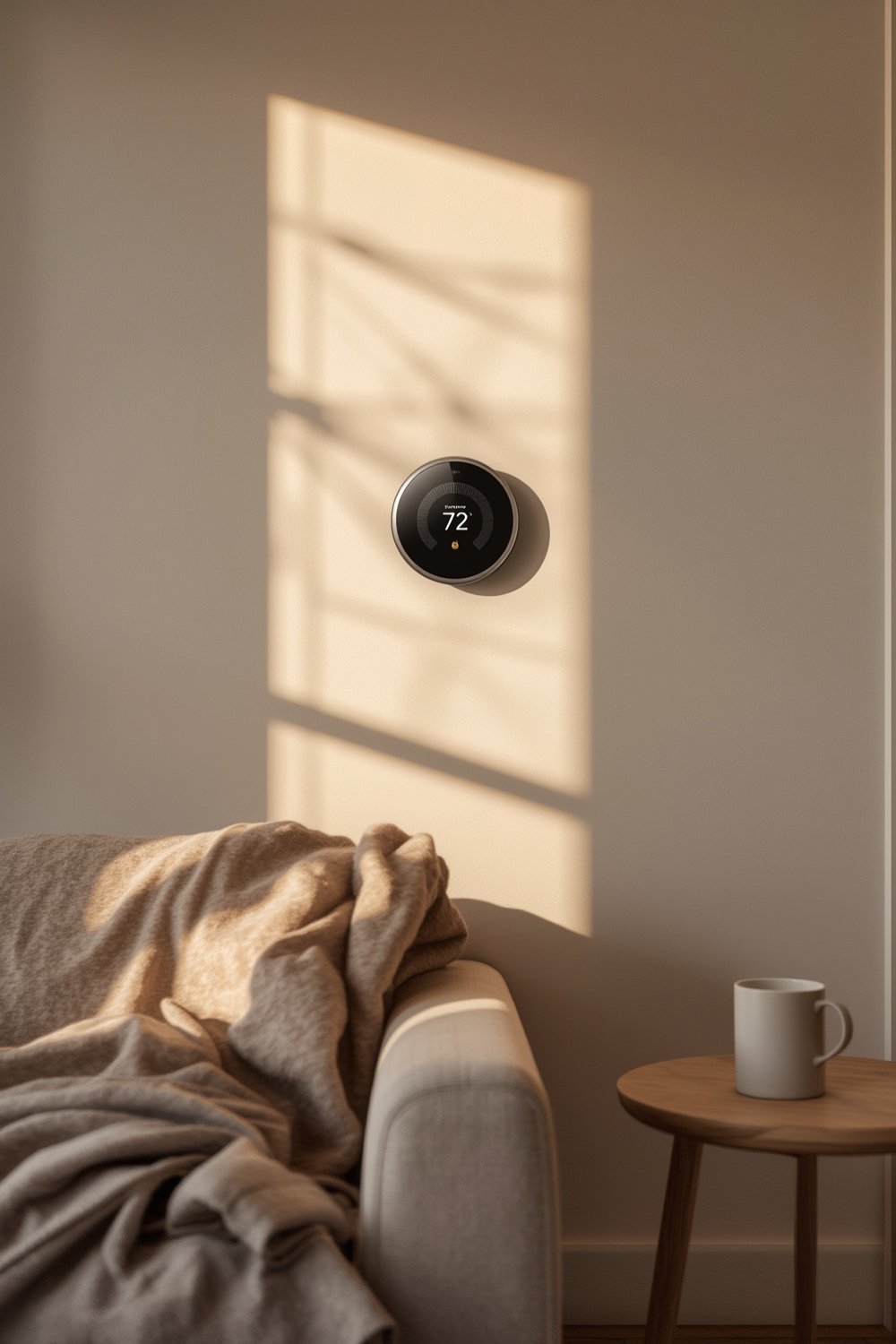
Unlike programmable thermostats that follow rigid schedules, AI models like the latest Google Nest or Ecobee learn your patterns. They use sensors, mobile phone location data (geofencing), and even weather inputs to predict when you’ll be home. This approach can enable 10-26% energy savings compared to traditional manual thermostats, and typical savings are 12% on heating and 15% on cooling for Nest users, according to market data (source).
Occupancy detection is the real differentiator. Instead of heating or cooling an empty house, your system adapts instantly—minimizing utility bills and supporting greener living. If you already own smart home tech, these thermostats often plug right in to your ecosystem, enabling hands-free control and deeper automation (details).
How to Upgrade: Step-by-Step Guide
Ready to install an AI smart thermostat with occupancy detection? Here’s a realistic, actionable path to maximizing your smart home’s efficiency.
-
Research Compatible Models
Look for models with proven AI learning and occupancy detection. The Google Nest (4th Gen), Ecobee models with SmartSensors, and Copeland Sensi are industry leaders. Confirm WiFi requirements and system compatibility, especially for older HVAC systems. -
Integrate with Smart Home Ecosystem
Leading thermostats support Amazon Alexa, Google Assistant, and Apple HomeKit. Pick a device that fits your current setup to simplify routines—voice commands can change temperature or switch modes based on occupancy.- For broader automation, consider devices that are Matter compatible.
-
Understand Your Wiring and Installation Needs
Most AI thermostats need a common wire (C-wire) for power. Check your existing wiring before ordering. While installation is often DIY-friendly, complicated setups (like multi-zone or heat pump systems) may need a professional.- If you’re also considering whole-house upgrades, pairing with a smart circuit breaker panel further optimizes energy tracking.
-
Configure Occupancy Detection
Use app-based setup to enable occupancy sensors and geofencing. Place remote sensors in main living spaces for the most accurate results. Some brands let you fine-tune “Home,” “Away,” and “Sleep” sensitivities. -
Personalize AI Learning
Run the thermostat in learning mode for at least a week. Avoid overriding the schedules too often—giving the AI enough data to learn your true routines will produce the most comfort and savings.- To really maximize savings, link your thermostat to your DIY home energy storage battery system if available.
-
Monitor, Adjust, and Optimize
Review monthly energy reports in the thermostat app. Tweak vacation and sleep profiles as needed. Watch for strange patterns or missed occupancy—for troubleshooting, consult online forums or support, or try moving sensors.
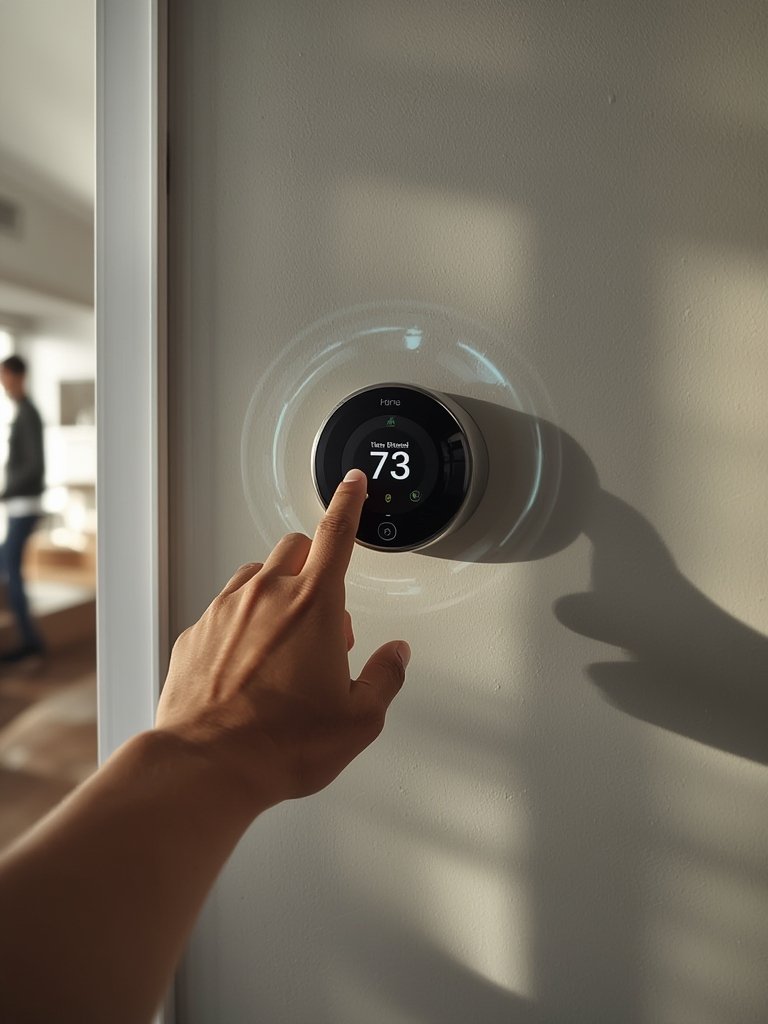
A typical payback period for the device in commercial buildings is cited as just 12-14 months (source). While no exact 2024 residential pricing is published, most robust AI smart thermostats run $120-250, plus $80-200 for professional installation if needed. With energy cost savings, most homeowners break even in under two years—even quicker with rebates or utility discounts.
For those looking to further extend home automation and energy management, integrating with AI-enabled breaker panels or water leak detectors can drive additional efficiency and protection.
Regularly test your system’s responsiveness. Particularly after firmware or app updates, confirm that motion detection and mode switching work as intended in every key room.
Advanced Analysis & Common Pitfalls
Despite real benefits, no AI smart thermostat with occupancy detection works perfectly in every home. Understanding real performance limits and user frustrations ensures better results and informed decisions.
| Feature / Issue | AI Smart Thermostat w/ Occupancy Detection | Standard Programmable Thermostat |
|---|---|---|
| Energy Savings | 10-26% (real world average) | 5-12% (static schedule, not adaptive) |
| Comfort Trade-offs | Some users report small comfort sacrifices in auto/away modes | Full manual control, but easy to forget settings |
| Sensor Issues | Possible misses if occupancy sensors are not placed optimally (e.g., stationary user, sensor blind spot) | No sensors; relies on preset times only |
| Integration/Automation | Often seamless with Alexa, Google, Apple (study) | Rare, limited to limited brands |
| Privacy/Data Transparency | No comparative data available for 2024 on user data, tracking, or consent | N/A (no occupancy tracking) |
| Common Technical Issues | No new widespread technical failures reported for 2024; minor app glitches or network outages rare but possible | Manual errors only |
What users most often notice:
- Comfort vs Savings: Smart thermostats may occasionally compromise on immediate comfort to maximize efficiency (source).
- Sensor “Blind Spots”: If you’re stationary in a room and the sensor is out of direct line-of-sight, the AI might think the room has emptied. In multi-person homes, performance can vary.
- App and Connectivity Issues: While rare, outages between thermostat, app, and WiFi can cause missed adjustments. Schedule periodic checks for app and firmware updates.
- Privacy Gaps: As of 2024, there is no published, independent comparison of data collection or consent policies across major brands—including Google Nest, Ecobee, or Sensi.
- Commercial and Grid Integration**: Few household buyers realize that AI thermostats can participate in virtual power plants—balancing home HVAC usage with wider grid demands. This use case remains undercovered in most homeowner guides.
Most issues are minor and manageable, but properly placing sensors, reviewing app alerts, and occasionally recalibrating device settings can help avoid missed savings or comfort annoyances.
For extra efficiency, pair your occupancy-detecting thermostat with tools like a yard cleanup solution to automate seasonal schedule changes, or a motion sensor lighting setup for further smart home synergy.
Conclusion
AI smart thermostat with occupancy detection technology offers real and measurable benefits for homeowners and businesses eager to cut unnecessary HVAC costs. With potential energy savings of 10-26%, automation via top smart home assistants, and a quick payback period, the case for upgrading is stronger than ever.
While some comfort tradeoffs and minor technical issues exist, improved integration and learning algorithms mean most users experience hands-off savings and gains in convenience. To maximize results, carefully install sensors, regularly update your app and devices, and use your AI thermostat’s full set of capabilities.
Ready to make your home smarter, greener, and more efficient? Upgrade to an AI smart thermostat with occupancy detection and start seeing the impact on your bills and comfort. Compare leading brands, check for utility rebates, and take the first step toward an automated energy-saving home today.
Frequently Asked Questions
How much can I really save with an AI smart thermostat with occupancy detection?
Most users save between 10% and 26% on heating and cooling, depending on current habits, home layout, and whether you use all smart features like presence sensors and geofencing.
Do AI occupancy sensors work reliably in every home?
Accuracy is high, especially with multiple well-placed sensors, but there are edge cases. Stationary occupants can occasionally be missed, and unusual schedules may reduce accuracy until the AI adapts.
Are there privacy concerns with occupancy-tracking thermostats?
As of 2024, there is no transparent, independent comparison of data collection practices for leading brands. Review vendor privacy statements before connecting your devices online.
Can I install an AI smart thermostat myself?
Most models are DIY-friendly if you have the correct wiring (C-wire). For complex systems or older homes, a professional installation ensures the best reliability and performance.
What smart home platforms are supported?
Over 80% of the latest AI smart thermostats integrate smoothly with Amazon Alexa, Google Assistant, or Apple HomeKit—enabling robust voice control, routine automation, and hands-free monitoring.