

### Blog Post:
Smart lock technology is changing how families secure their homes, offering convenience and new features like remote access and biometric entry. But is upgrading to a smart lock right for you in 2024? Let’s break down what you need to know—even the things most “best of” lists skip.
Key Takeaways
- Smart lock adoption is growing fast in home markets, especially for deadbolt models retrofitted to existing doors.
- Main benefits are convenience and IoT integrations, but installation and setup can be tricky without clear guidance.
- Security features are improving, but it’s important to understand real-world limitations and possible problems before investing.
- What Is a Smart Lock and Why Should Homeowners Care?
- How to Install a Smart Lock: Step-by-Step Guide
- Advanced Analysis & Common Pitfalls with Smart Locks
- Conclusion
- Smart Lock FAQ
What Is a Smart Lock and Why Should Homeowners Care?
Smart locks are modern electronic locks that let you control access to your home with smartphones, codes, fingerprints, or even voice assistants. Unlike traditional locks, a smart lock uses wireless connections (like WiFi or Bluetooth) to let you lock or unlock your door from anywhere—and manage who comes and goes with digital keys.
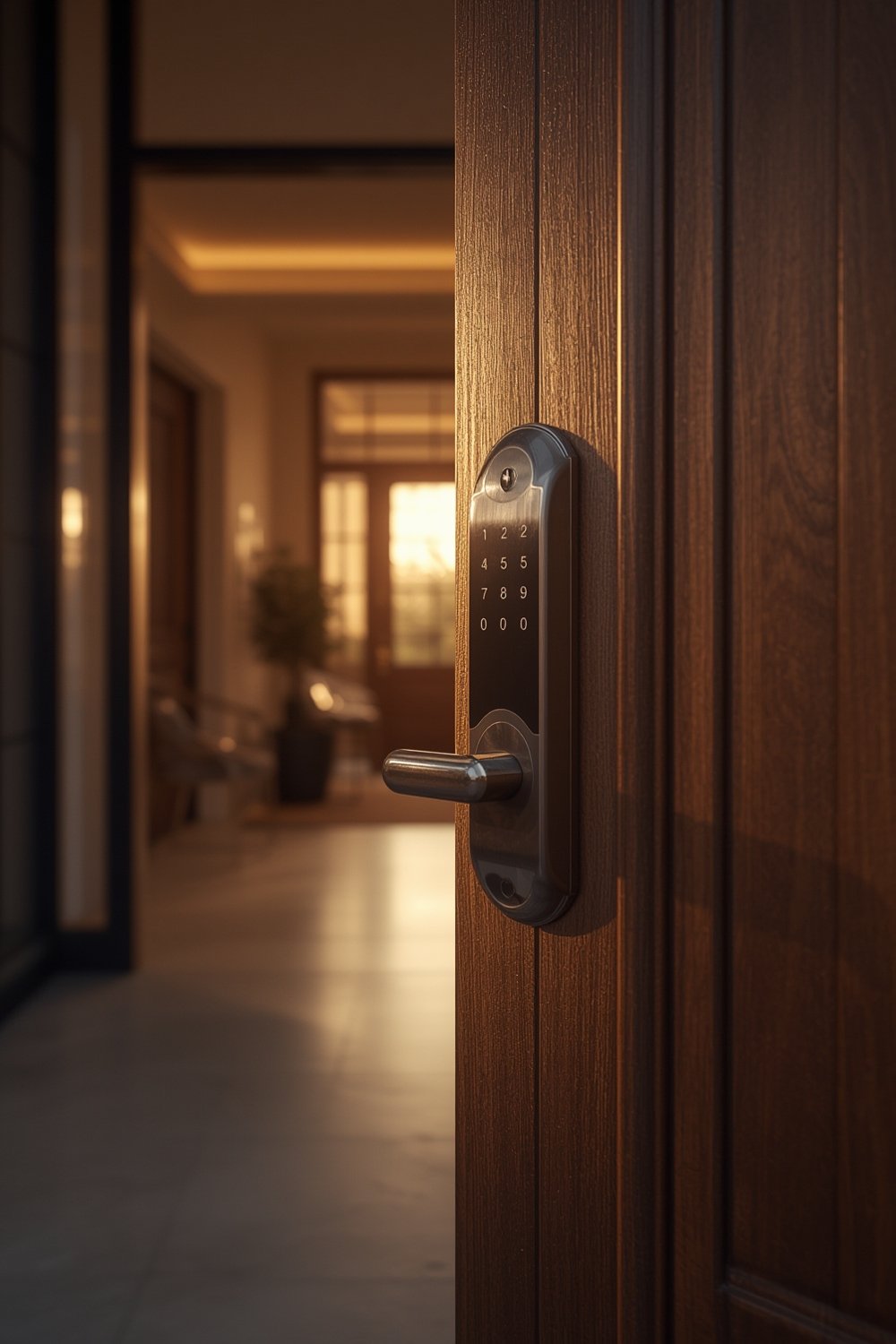
Homeowners care about smart locks because they blend better security features with convenience. In 2024, global smart lock market size is estimated at USD 2.77 billion and growing fast—expected to more than triple by 2030. Deadbolt smart deadbolt locks are especially popular for residential retrofits, allowing families to add high-tech options without changing their existing doors.
This shift is partly because smart home setups are getting mainstream. More US homes than ever use smart devices, and 15% of households already have a smart lock installed. These numbers will keep climbing with annual adoption growth of about 20% (source).
If you’ve upgraded your backyard with quality lawn care tools or installed a smart circuit breaker panel for energy monitoring, a smart lock could fit perfectly in your home automation plan.
How to Install a Smart Lock: Step-by-Step Guide
Ready to get started? Here’s how to install a smart lock on your front door—with tips you won’t find in most basic guides.
- Pick the right lock. Not all smart locks fit all doors. Most homeowners prefer smart deadbolts because they require minimal (if any) door adjustments and fit standard holes. Check your door’s thickness and backset before buying.
- Remove your old hardware. Use a screwdriver to take out the existing deadbolt or knob and strike plate. Save the screws—they often work for the new device.
- Test fit your smart lock. Dry-fit main components before screwing anything down. Make sure all parts align and function by hand. If it’s tight, adjust strike plate placement.
- Install the new lock. Attach the interior and exterior assemblies per instructions. Double check the tailpiece aligns with the new keyway or thumbturn, and that wiring doesn’t get pinched.
- Connect power. Most smart locks use AA or CR123A batteries. Install them before attaching the cover.
- Sync and configure. Download the manufacturer’s app, connect your smart lock to WiFi or Bluetooth, and follow the prompts to set access codes and users. Some locks require scanning a QR code or pressing a pairing button.
- Test thoroughly. Run multiple lock/unlock cycles. Test app, code, and any biometric features.
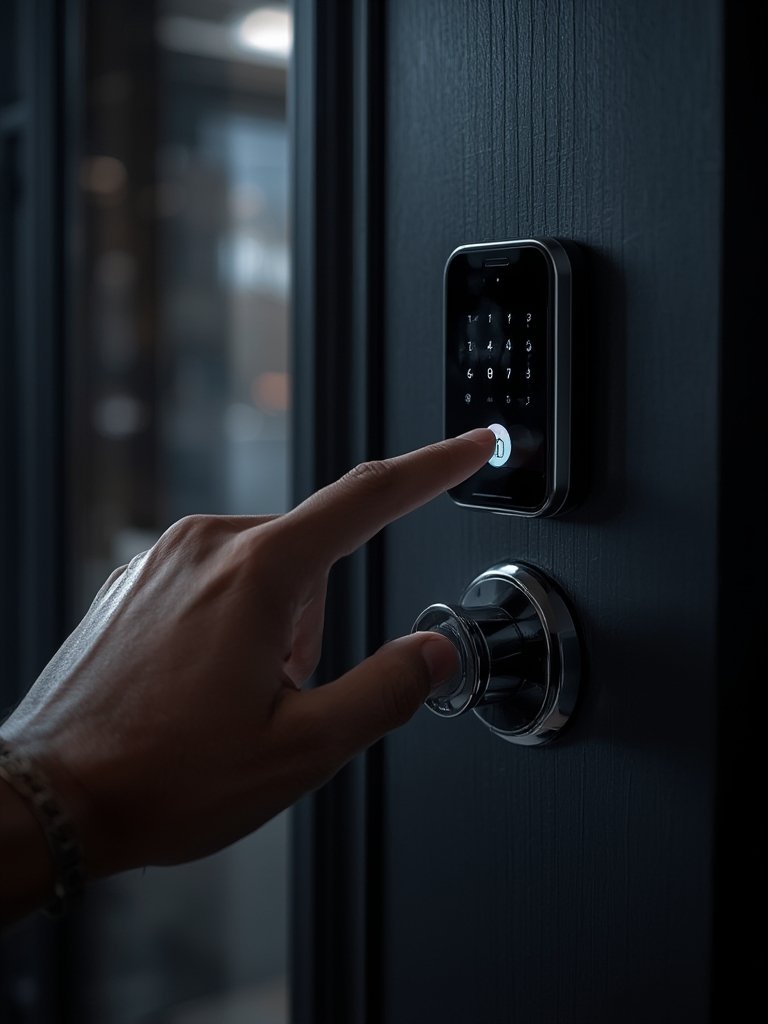
This step-by-step approach can make installation straightforward even for DIYers. If you want a pro install, costs vary by region and lock model—but always choose a certified locksmith for best results.
Once your smart lock is live, consider integrating it with other systems—for example, connect it with a smart water leak detector with shut off for layered home automation, or set it to work with Matter compatible smart switches for future-proof control.
Advanced Analysis & Common Pitfalls with Smart Locks
While smart locks promise cutting edge convenience, homeowners sometimes face realistic obstacles. Many common problems boil down to installation errors, weak WiFi, user error, or compatibility mismatches. Let’s break down where things can go sideways:
| Issue | What Happens | Typical Fix |
|---|---|---|
| Misaligned lock hardware | Smart lock jams, batteries drain fast | Reinstall, realign strike plate, check fit |
| Weak or dropped WiFi signal | App control fails, lock may go offline | Upgrade router, add mesh nodes, use Bluetooth fallback |
| Dead batteries | Lock stops responding, you get locked out | Set battery reminders, use a backup key |
| Unpatched software | Potential hacking risk, features buggy | Update firmware regularly via app |
| Limited integration | Some devices don’t talk to smart home systems | Check for Matter/Z-Wave/Apple Home compatibility |
There’s a lot of marketing hype about biometric locks, but most brands don’t publish fingerprint reliability or speed stats. That means you may see rare false rejects or slow responses in cold weather. And while recent models are encrypting data and offering multi-factor authentication, no WiFi-based smart lock is 100% immune to cyber threats (more here).
Professional installation can help, but always check device compatibility and software support. Expect to spend time in the app’s settings to customize user access or alerts, and don’t forget physical security basics—a smart lock is only as strong as your door and frame.
Pairing a smart lock with other smart security devices, such as a smart outdoor security lighting camera combo or a home security device, further boosts your home’s protection and convenience.
Conclusion
Upgrading to a smart lock can offer real advantages—convenient entry, remote monitoring, and easier management of guests or contractors. Just remember: proper installation, staying updated on firmware, and realistic expectations are key. If you’ve made other smart home upgrades, adding a smart lock is a logical next step for most homeowners in 2024. Ready to secure your front door with a smart lock? Make your choice wisely, and double check compatibility before you buy.
Take action: Pick the smart lock that fits your door and your needs, and follow this guide for a smooth upgrade. Your future home security—and peace of mind—start at the door.
Smart Lock FAQ
Are smart locks safer than traditional locks?
Smart locks offer more features like remote alerts, temporary codes, and tamper notifications. But ultimate safety depends on installation, firmware updates, and good security habits. No system is totally hack-proof, and the physical strength still depends on the quality of your door and frame.
Can I install a smart lock myself?
Most smart deadbolt locks are DIY-friendly and only need basic tools. Just follow all steps carefully and use the manufacturer’s template. Complex features or non-standard doors may require a professional locksmith.
Will a smart lock work in a power outage?
Yes, most smart locks run on batteries, not house power. You can usually open them with a backup physical key or sometimes with backup codes via Bluetooth if the app saves them offline.
How often do smart lock batteries need to be replaced?
Battery life varies by model and usage, but most last 6–12 months. Set calendar reminders and check lock battery status in the app. Some give low battery alerts.
Can smart locks work with other home security devices?
Yes. Many integrate with smart security lighting, cameras, and monitoring systems for whole house security. Always check that your new smart lock supports the platforms you use, such as Apple Home, Alexa, or Google Home.
—