

Home security device adoption has reached record highs and is reshaping how homeowners protect their property in 2024. Smart alarms, cameras, and sensors are no longer futuristic—they are now essential tools for preventing break-ins, day and night. In this no-nonsense guide, you’ll learn how to choose, install, and maximize the benefits of today’s best home security devices—plus the real downsides no one talks about.
Key Takeaways
- The smart home security device market is growing rapidly, with U.S. adoption led by outdoor cameras, motion lights and sensors.
- Wireless devices dominate due to easy DIY installation, but can face technical and privacy limitations.
- Plan your setup for cost, features, and real security impact—avoid common pitfalls and overspending.
- What Is a Home Security Device and Why It Matters
- Your Step-by-Step Home Security Device Setup Guide
- Advanced Analysis & Common Pitfalls
- Conclusion & Next Steps
- Frequently Asked Questions
What Is a Home Security Device and Why It Matters
A home security device is any electronic system or component designed to help protect your property against theft, intrusion, or environmental threats. Examples include smart cameras, motion detectors, window sensors, smart locks, and video doorbells. These devices use technology to monitor, alert, and sometimes prevent incidents—either as standalone units or as a coordinated system you control through your phone.
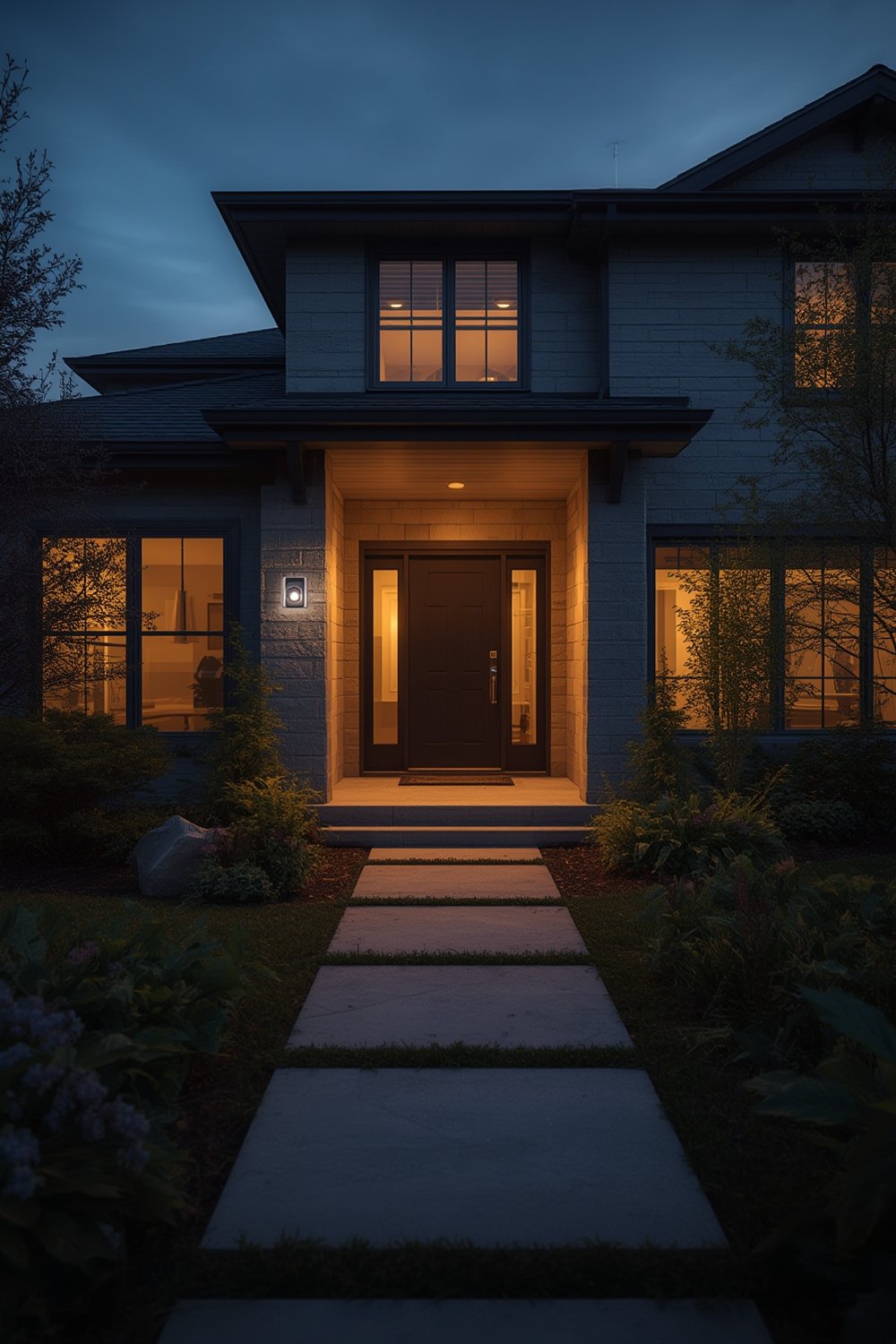
Demand for home security devices is surging. By 2025, over 94 million U.S. households use security systems. Smart security device sales and advancements—from AI cameras to app-based monitoring—are making protection accessible to more homeowners and even renters.
But security is more than just gadgets. The right device increases peace of mind, deters would-be intruders, and gives you remote oversight—so you’re never left guessing what’s happening at home. Choosing the right home security device means weighing practical coverage, cost, convenience, support, and real-world reliability.
If you’re upgrading your outdoor areas for better security, or want tips on backyard maintenance to boost curb appeal, check out this in-depth yard care guide as a complementary resource.
Your Step-by-Step Home Security Device Setup Guide
Setting up a modern home security device system is easier than ever—if you plan ahead. Here’s an actionable process to secure your home effectively, avoid wasted money, and choose the best tech for real protection.
1. Choose Your Security Method
- All-in-One Kit: Ideal for small homes or apartments. These contain an app-based smart hub, motion sensors, window/door sensors, and a camera. Setup is usually DIY, wireless, and quick.
- Custom System: Build your own combo (e.g., Wi-Fi cameras, smart locks, window break sensors) for maximum flexibility. Consider mixing indoor and outdoor devices for full property coverage.
- Monitored vs. Self-Monitored: Decide if you want 24/7 professional monitoring, or the flexibility (and no monthly fees) of managing alarms/alerts yourself.
2. Install Outdoor Cameras & Sensors (Where Most Intrusions Begin)
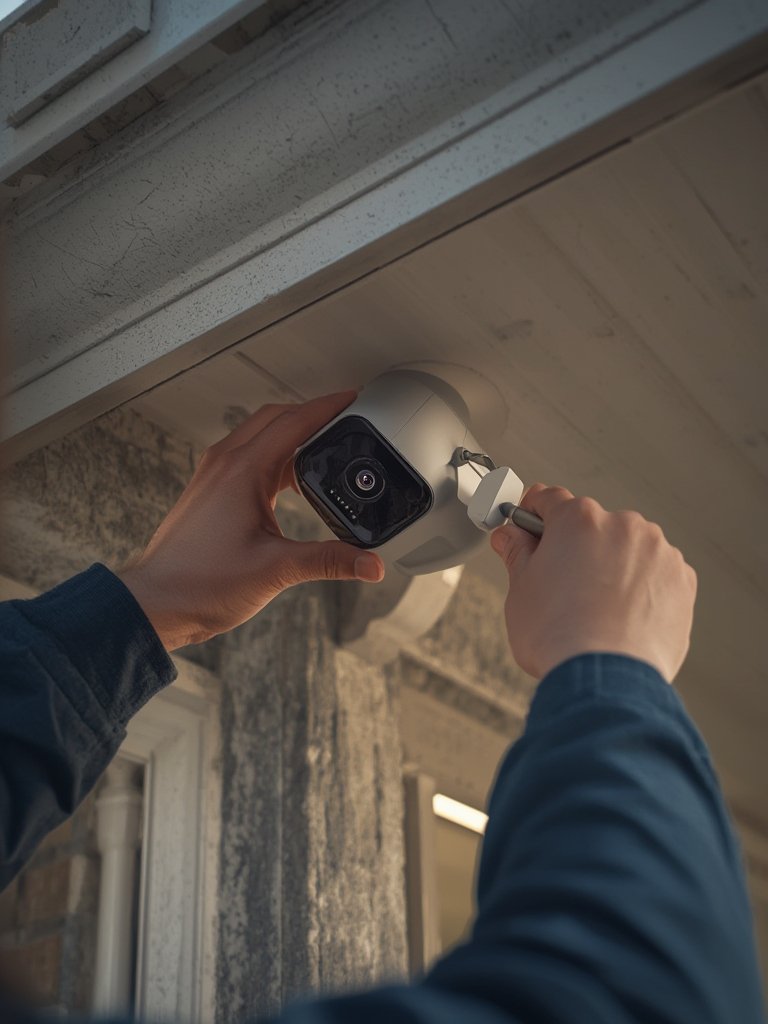
- Mount cameras at least 8 feet up to deter tampering.
- Prioritize coverage over every exterior door, driveway, porch, and basement entry.
- Add motion sensor floodlights (43% of U.S. homes use these) to drive away intruders at night.
- Weatherproof all outdoor devices—select devices with guaranteed water and temperature resistance.
3. Secure Entry Points Inside
- Install sensors on high-risk entrances: ground floor windows, rear doors, and garage doors.
- For renters, consider peel-and-stick window open sensors—these are easy to install and remove.
- Add smart smoke or CO detectors for broader protection.
4. Configure Alert Settings and Test Regularly
- Set up mobile apps for real-time notifications, event logs, and camera feeds.
- Test all triggers (motion, glass break, door contacts) to ensure reliable activation.
- Regularly review video storage and battery/connection status on wireless gear.
5. Integrate With Smart Home Systems
- Connect your security devices to other smart devices: lighting, plugs, thermostats, or a smart circuit breaker panel for full energy and safety automation.
Don’t forget to plan for power outages or Wi-Fi disruptions by having a battery backup, and keep emergency contacts updated in your app.
6. Review Costs Before Committing
- Average initial investment is around $500 for U.S. setups, but costs vary by complexity and monitoring options (source).
- Compare device subscriptions—some charge for cloud storage, advanced detection, or ongoing support.
- Look up at least three real customer reviews to spot hidden charges or unreliable devices. If you want to benchmark smart tech ROI, check this proven upgrade guide on energy-saving panels.
Advanced Analysis & Common Pitfalls
The rapid move to smart, wireless home security devices brings real convenience—but also exposes homeowners to several underreported problems.
3 Common Pitfalls (and How to Dodge Them)
- 1. Overreliance on Wi-Fi: Loss of internet = loss of real-time alerts or system control. Always select models with local backup storage or cellular failover if security is mission-critical.
- 2. Hidden Subscription Costs: Many leading cameras and sensors require monthly cloud storage fees to unlock HD video, AI detection, or remote app control. Always check what’s included before buying.
- 3. False Alarms & Missed Events: DIY sensors can be prone to false alarms (pets, wind) or fail to trigger when placed incorrectly. Test new devices thoroughly and adjust sensitivity.
Wired vs. Wireless System Comparison
| Feature | Wired System | Wireless System |
|---|---|---|
| Installation | Professional, more invasive | DIY, easy add/remove |
| Reliability | Less interference, fewer hacks | Susceptible to Wi-Fi issues |
| Features | Strong encryption, limited flexibility | App control, more smart integrations |
| Market Share | ~55% in 2026 (source) | ~61% revenue in 2024 U.S. market (source) |
Other Real-World Issues
- Confusing privacy policies or unclear regional data laws for cloud-based video and alerts.
- Lack of technical specs on sensor range, weather resistance, and battery life can create major blind spots, especially outdoors.
- Affordability remains a barrier for some households, with costs rising for premium devices and multi-year subscriptions.
If water damage is a concern, pairing your alarms with a smart water leak detector with shut off can add true whole-home security.

Planning lighting upgrades at the same time? See these wireless kitchen lighting solutions for easy install tips.
Conclusion & Next Steps
Smart home security device adoption is skyrocketing in 2024 for a reason—smarter detection, mobile alerts, and DIY simplicity have made it possible for anyone to protect their home. But the best results come from planning: set your goals, map your property, control costs, and understand the limitations of wireless tech. Ready to build real peace of mind? Compare your options and create your personalized, future-proof security setup today.
Want next-level home security and energy savings? Explore AI smart thermostats and find ways to combine safety and comfort in every room.
Frequently Asked Questions
Are wireless home security devices reliable for real protection?
Wireless home security devices have improved dramatically in the past three years. They are now dominant thanks to flexible installation and app control. However, they can lose functionality if your Wi-Fi or power goes down and may require subscriptions for cloud features. For high-risk properties, combine wireless devices with backup power, local video storage, or a few wired components for critical entry points.
What is the average cost of installing home security devices?
The average homeowner spends around $500 on a basic smart home security setup in the U.S., but costs range widely. DIY wireless kits are much cheaper than full-service monitored systems or multi-camera setups. Always factor in potential monthly fees for cloud recording or monitoring services when comparing options.
Are there privacy or legal issues with using cameras and sensors?
Yes. Cloud-based cameras in particular can raise privacy concerns. Always read manufacturer privacy policies, check for strong encryption, and learn about local video surveillance and audio recording laws in your area. Position cameras only on your own property and avoid capturing neighbors’ private spaces.
Can I integrate home security devices with other smart home gear?
Absolutely. Most modern home security devices connect seamlessly with voice assistants, lighting, thermostats, and even advanced panels. For a unified setup, select products supporting platforms like Matter, Z-Wave or use a dedicated smart home hub. This enables automated routines, such as lights turning on when motion is detected.
How often should I test or update home security devices?
Test major sensors and alerts monthly to ensure triggers work. Replace batteries or check power sources as recommended by the manufacturer. Keep your apps and device firmware up to date to patch vulnerabilities and enable new features.