
Smart outdoor security lighting camera combo systems have quickly become the best way to protect your home’s exterior while adding convenience and peace of mind. If you want motion-activated lights, live video feeds, and smart home integration in one package, this guide gives you the realistic, step-by-step breakdown most articles miss.
Key Takeaways
- The global outdoor security smart lighting market is projected to reach $15.8 billion by 2033, driven by rising security awareness and connected home adoption.
- A smart outdoor security lighting camera combo combines motion-sensing lights and HD cameras into one streamlined device for effective deterrence and monitoring.
- Choosing the right model requires balancing ease of installation, technical compatibility, privacy, and reliability—there’s no one-size-fits-all solution.
- How Smart Outdoor Security Lighting Camera Combos Work
- Step-by-Step Setup & Optimization
- Real-World Problems & Pitfall Avoidance
- Conclusion
- Frequently Asked Questions
How Smart Outdoor Security Lighting Camera Combos Work
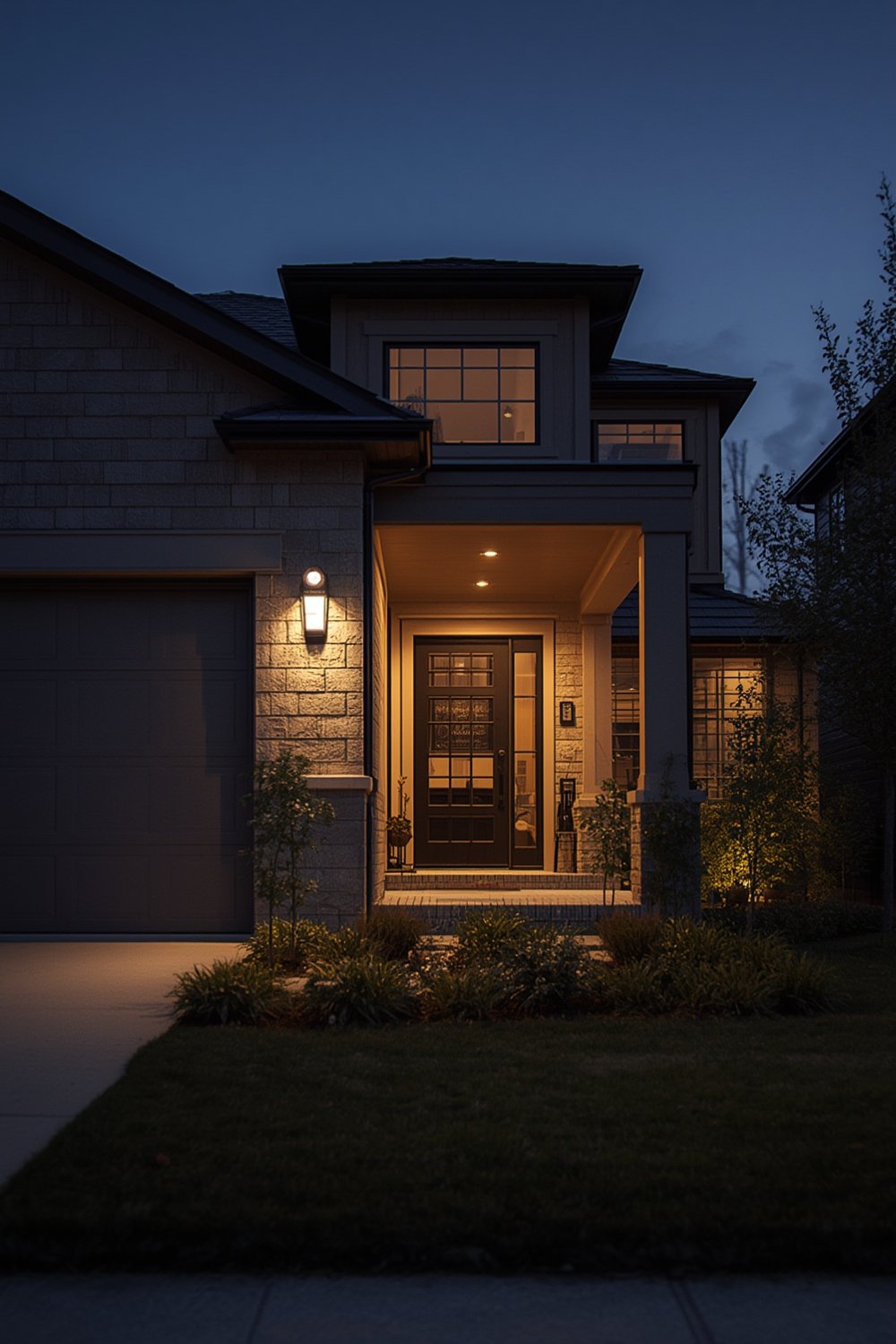
At their core, a smart outdoor security lighting camera combo integrates a high-lumen floodlight or porch light with a motion-activated security camera. These units often connect to your home WiFi and provide real-time alerts, live streaming, and app-based controls. Why does this combo matter? Homeowners can spot, deter, and record suspicious activity with one device—helping prevent break-ins while making daily routines safer.
Key Features of a Good Combo:
- LED floodlights or spotlights with adjustable brightness and angle
- Integrated HD or 4K camera with night vision
- Two-way audio for remote communication
- Motion sensors (PIR or radar-based) to trigger lights and alerts
- App integration for live streaming, playback, and smart notifications
- Compatible with Alexa, Google Assistant, or Apple HomeKit
- Cloud or local storage options for video clips
This market is booming for good reason. According to Strategic Revenue Insights and Data Insights Market, global demand for outdoor security smart lighting is surging. In North America, 81 percent of smart outdoor lighting revenue comes from motion sensor-equipped products (Data Bridge Market Research).
If you’re already exploring ways to boost curb appeal or improve home maintenance, combining a security light/camera with lawn care upgrades or Matter compatible smart switches lets you create a truly connected home environment.
Step-by-Step Setup & Optimization
Upgrading to a smart outdoor security lighting camera combo is easier than most expect, but the difference between an “okay” install and a reliable safety system comes down to small details. Here’s exactly how to do it:
- Choose Location Carefully: Place your combo unit 8–10 feet above ground. Aim for maximum coverage of driveways, main entries, or dark corners. Avoid aiming directly at busy roads (for fewer false alerts).
- Check Power Requirements: Most combos require hardwiring to an existing outdoor electrical box. If not comfortable with wiring, consider hiring an electrician or select a battery-powered model for true DIY.
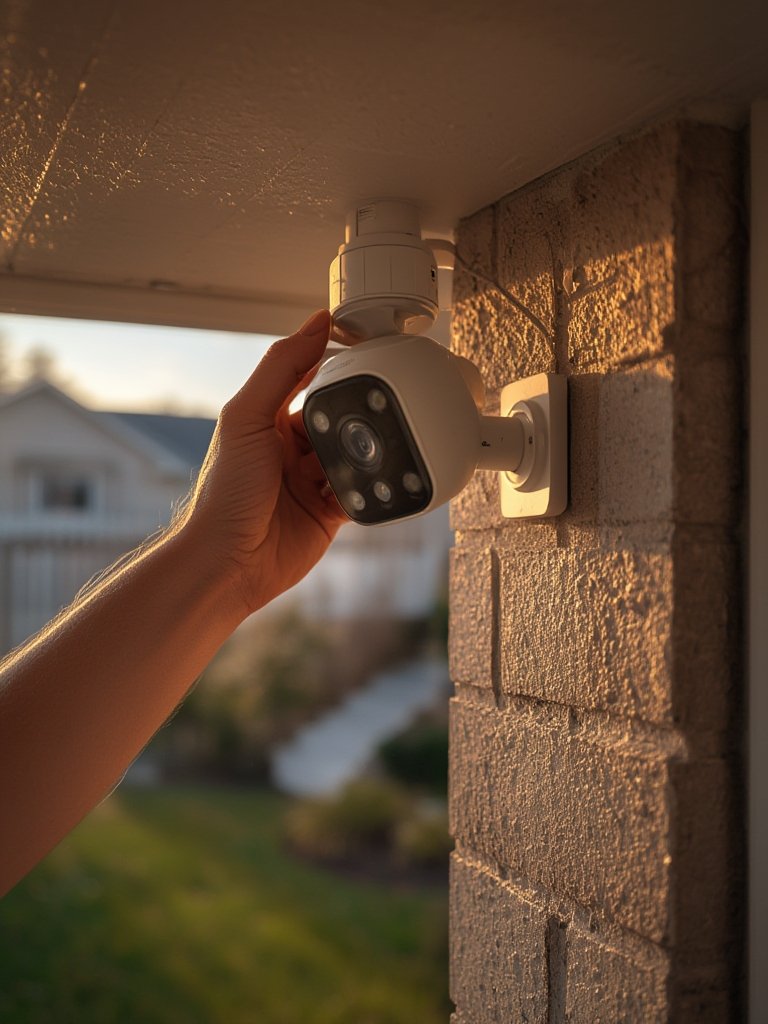
- Install & Mount: Attach mounting plate, connect wiring, and angle the device so both the light beam and camera field of view cover key areas. Test the hardware before fully securing.
- Connect to App/Network: Download the manufacturer app, scan the device’s QR code, and follow prompts to pair with your WiFi. Use a strong password and enable two-factor authentication for extra security.
- Set Up Motion Zones: In the app, draw “activity zones” to avoid triggering by pets, passing cars, or swaying trees. Use sensitivity and schedule settings to minimize false alerts while ensuring real events are always recorded.
- Optimize Notifications: Adjust your alert preferences. Some combos allow you to filter notifications (humans vs. animals vs. vehicles), reducing nuisance pings.
- Pair With Smart Home Ecosystem: Use Alexa Routines, Google Home automations, or Apple Home app for voice controls and integrated routines (like: have all porch lights turn on if one detects movement).
- Test Night Vision & Brightness: Wait for dusk and walk test zones. Adjust light fields and video settings if surveillance or visibility is lacking.
- Regular Maintenance: Clean lenses and PIR sensors at least quarterly. Check firmware for updates to plug any security loopholes.
Homeowners who optimize this setup routinely report not only lower crime but also better package and visitor awareness. If you’re upgrading a larger system, consider integrating with a smart circuit breaker panel or home backup battery for power resilience during outages.
Real-World Problems & Pitfall Avoidance
No smart outdoor security lighting camera combo is perfect. Here are frequent challenges and how to avoid them—plus, a practical comparison of the features most buyers care about:
- False Motion Alerts: Rain, insects, passing cars, and pets can trigger unwanted notifications. Look for models with advanced AI or customizable zones.
- Connectivity Dropouts: Outdoor WiFi interference can lead to missed events or delayed notifications. If this happens, try upgrading your router or installing a mesh system.
- Privacy Concerns: Some units upload video to the cloud by default. Check privacy settings and storage policies. Opt for local storage/clips if you want maximum control.
- Installation Challenges: Hardwiring may require shutting off breakers and using basic electrical tools. Always turn off power and consider professional help if unsure.
- Ongoing Fees: Many brands charge for cloud storage, advanced features, or additional user access. Read the fine print before buying—all-in “free forever” plans are rare.
If you’re planning a full home smart upgrade, remember tools like a smart circuit breaker panel with energy monitoring can also simplify emergency management and power tracking.
| Feature | What Matters | Why It Matters | Notes |
|---|---|---|---|
| Camera Resolution | 1080p or 2K minimum | Clear ID of people/vehicles | 4K is best, but uses more storage |
| Lumens Output | 2000+ lumens for driveways | Proper illumination & deterrence | Lower for porches/smaller yards |
| WiFi Range | Strong signal outside | Stable video/no dropouts | Test with your phone first |
| App Features | Sensitivity, activity zones, group controls | Reduce false alerts & improve usability | Some support only basic functions |
| Smart Home Integration | Alexa, Google, Apple HomeKit | Easy voice or automated control | Check exact compatibility before buying |
| Storage Options | Cloud & local backup | Privacy & backup security | Cloud may need monthly fees |
Asia-Pacific has the fastest market growth due to urbanization and government smart home initiatives (source). In North America and Europe, higher incomes and new construction codes are accelerating smart combo adoption (source).
Conclusion
Smart outdoor security lighting camera combo units are no longer a luxury—they’re the new standard for anyone serious about home security and automation. By choosing the right model, mounting it thoughtfully, and taking the time to optimize connectivity and settings, you’ll deter most intrusions before they start and stay on top of package deliveries, visitors, and strange activity.
Ready to take the next step? Start comparing smart outdoor security lighting camera combo models tailored to your home and don’t hesitate to combine this upgrade with other smart home systems for added safety. Invest wisely—your property (and peace of mind) is worth it.
Frequently Asked Questions
Will these combos work in cold or wet climates?
Most quality brands are weatherproof and rated for temperatures from -20°F to 120°F. Always check the IP (Ingress Protection) rating—an IP65 or higher rating is ideal for year-round, all-weather usage.
Do I need an electrician to install a smart outdoor security lighting camera combo?
If replacing an existing wired light, many handy homeowners can DIY with basic tools and the power off. However, for new installs or if you’re unsure, hiring a licensed electrician is the safest bet.
Will the camera work if my WiFi goes down?
Most devices will keep the light and motion detection working, but video recording and app access may be lost unless the unit has local storage. Consider units with SD card backups for this reason.
How much do these systems cost?
Price varies by features and brand, but most wired or wireless combos range from $100 to $350, plus possible cloud storage fees. Professional installation may add $100-$200 if you hire out the labor.
Can I control my security lighting/camera with my voice assistant?
Yes, many models work with Amazon Alexa, Google Assistant, or Apple HomeKit—allowing you to arm/disarm, turn lights on/off, or view video feeds with voice commands.